
To transfer existing Game Naira, open the intended player’s chat → Send money, enter the amount, review the fee and recipient, then confirm once. The official help gives this route, and KKC’s recording shows an amount/fee form followed by a Sent notification naming the recipient. A transfer is not a top-up or a real-bank withdrawal.
Check who and how much
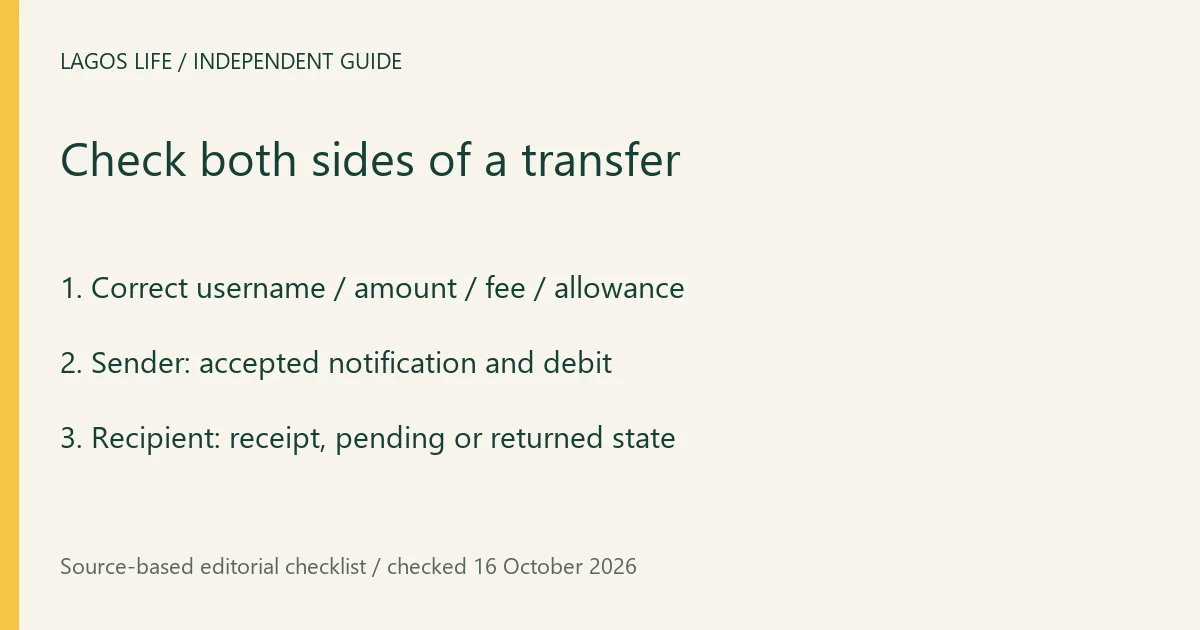
- Open the intended chat and compare the full @username with the person you meant to pay. A similar display name or an unsolicited request is not identity confirmation.
- Choose Send money and put the principal in Amount to send. The optional message box is for a note, not the amount.
- Read the button’s principal and fee, your available wallet and any Can send allowance. Leave enough for both the payment and fee; a Max control may account for that cost.
- Complete any official PIN/security prompt and confirm once. Check the Sent amount to @username result and the corresponding debit before attempting another payment.
At 17:34 in the original recording, the form shows ₦10,000,000 with a ₦50 fee. At 17:52 the sender’s Sent toast names the recipient. This supports the sender-side sequence; the recipient’s wallet is not shown, so that video alone does not prove collected receipt.
Limits, fees and blocked payments
The public transfer form checked on 16 October describes a ₦10–₦50 fee range and obtains account-specific sending availability. Read your current quote rather than treating an amount shortcut as an allowed limit. An insufficient-wallet message includes the fee; a security restriction, frozen-assets notice or PIN requirement needs its own resolution.
The account-security text describes restricted outgoing money for 24 hours after a password change. Game policy can also adjust transfers. A blocked send is not permission to share credentials, use another person’s account or split transactions to evade a restriction. Use official account support for an unexplained account block.
Confirm both sides
The sender should check the principal, fee, recipient and transaction entry. The recipient should open the correct account and check their wallet and receipt. The current transaction interface distinguishes Waiting for them to collect it, money put in the wallet, and Came back to you: not collected. The game’s outgoing-money guidance says uncollected money returns after 72 hours.
Although the send form describes immediate landing, collection and synchronization states still matter. Treat a Sent toast as sender acceptance, not proof that the other player has checked or collected it. A screenshot from a stranger is weaker evidence than the recipient’s own account record.
If the transfer seems missing
Match the recipient, amount and time against the transaction history. Ask the intended recipient to check their own correct account; do not ask them to share their password. Save the transfer reference and displayed pending/returned/error state. If it remains unresolved, contact official support with those details rather than repeating the same send blindly.
The inspected history says local entries and longer transfer history have different retention windows, so preserve the reference promptly. The 72-hour return guidance does not establish a fee refund or immediate manual reversal. Never send to people promising doubled returns or cash withdrawal; a transfer keeps Game Naira inside the game.
Sources and scope
Prepared from public source material and the screens identified below. This guide does not claim an in-game playtest.
- Lagos Life — official in-game help textOfficial public browser resource read 16 October 2026: New here, needs, Jobs, UNILAG, Houses, Invest, Bank, Send money and Wallet help cards. Instructions describe intended use; no account action or payment was submitted.
- Lagos Life — transfer and detention control textPublic sender fee, amount, PIN/error controls, cell status and bail-request messages checked 16 October 2026; limits and amounts may be returned by the service.
- Lagos Life — bank and transaction-status textPublic savings, maturity, restriction, transfer and correction explanations read 16 October 2026. Rates are loaded from the service; no invented fixed return.
- KKC Games — original trillion-balance recordingOriginal account says the funds were given by another player and expresses uncertainty about their origin. Viewed sender recipient/amount/fee at 17:34 and sent confirmation at 17:52. Not proof of an earned or repeatable trillion route.
- Lagos Life — Terms of UseEffective 1 October 2026; wording checked 16 October 2026.
Browse all available guides · Return to the Lagos Life overview