
Use Phone → Jobs to choose employment, then use Go to work at the time shown for your role. The official help also offers Go automatically. Applying is only the entry step: a hiring notice confirms the role, while completed work and Career progress establish pay and advancement.
Read the card before applying
Check the occupation, starting title, pay per shift, work days, shift timing and any stated requirements. A viewed recording shows Intern employment at CcHub; another shows Hairstyling beginning as Salon Assistant and Chef beginning as Dishwasher. Banking and Music also appear in the recorded Jobs list. These are supported examples, not a promise that every card is available in every city or account state.
Do not confuse the phone’s real-world salary information with your Sim’s job offer. The amount that matters for gameplay is the role’s own card and your current Career panel. Historic videos and public base definitions can differ because balancing, progression and account conditions change.
Get hired and attend work
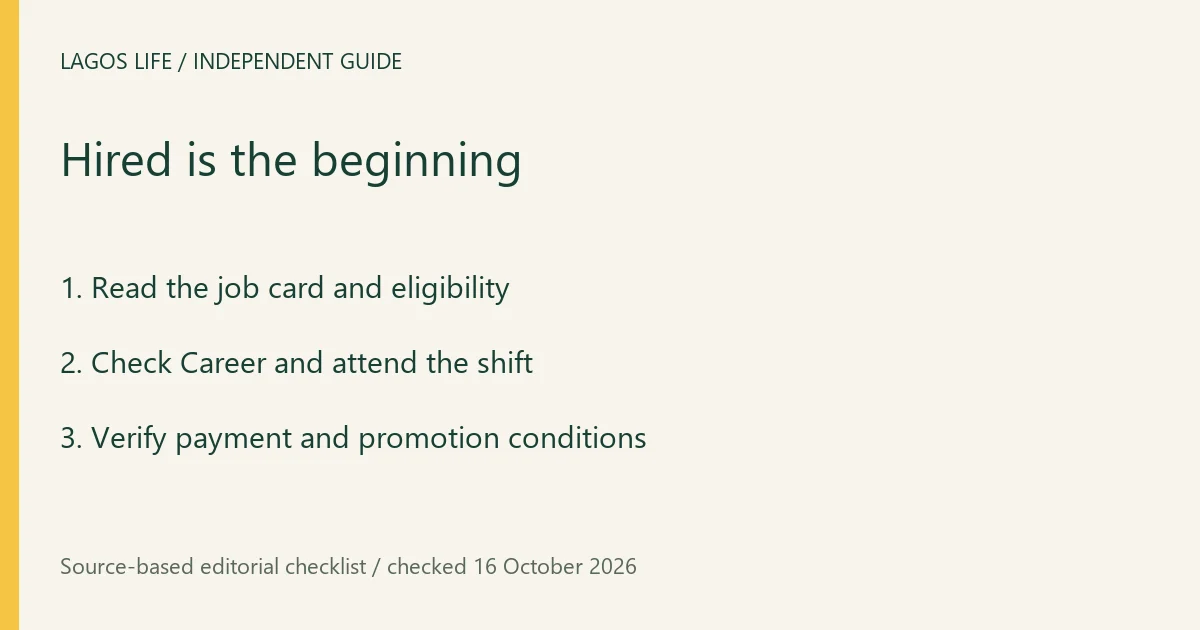
- Select a role whose displayed requirements you meet and choose Apply. If the button is locked, read the reason and resolve that requirement first.
- Check the resulting hiring notice and Career panel. The PC recording shows an Intern at CcHub confirmation and an instruction to go when it is time. A job card left open is not acceptance.
- Read your schedule and use Go to work when offered. If you enable Go automatically, check that the setting remains selected; it does not replace eligibility or a blocked-state message.
- Complete the work activity, handle any presented work choices, and inspect the resulting payment and Career performance. Keep the receipt separate from gifts, top-ups and unrelated business payouts.
The official help supports this workflow; this guide did not create an account or complete a new shift. Read any work-in-progress, travel, sickness or detention message before expecting another shift to start. Repeatedly applying is not a replacement for attending work.
Train for the next role
The game’s career descriptions associate Tech with Coding, Banking with Charisma, Music with Music, Trading with Hustle, Chef with Cooking, and Nursing with Fitness. Train the skill named by your actual role and inspect the next promotion requirement and performance indicator.
There is no universal “level up once, get promoted” rule established here. A higher skill, completed work and a course certificate are different forms of progress. Use skills and courses for the training route; check whether the next job actually requires a certificate or a specific skill level before paying for an unrelated course.
Keep work sustainable
Restore low needs and budget for rent and travel before spending the wage. If you use a gig between shifts, include its travel and recovery time rather than assuming every activity fits before work. The current card and completed payment take precedence over copied salary tables.
Sources and scope
Prepared from public source material and the screens identified below. This guide does not claim an in-game playtest.
- Lagos Life — official in-game help textOfficial public browser resource read 16 October 2026: New here, needs, Jobs, UNILAG, Houses, Invest, Bank, Send money and Wallet help cards. Instructions describe intended use; no account action or payment was submitted.
- Lagos Life — official venue and action descriptionsPublic names, venue descriptions and action definitions read 16 October 2026. Static definitions do not prove every venue is open to every account; live locks and prices take precedence.
- Samuel Awoyemi H-QTV — original full-features recordingUploaded 6 October 2026. Viewed Needs at 5:36; coding actions at 11:30; arrest and cell at 12:00–12:20; Jobs at 16:16; meal completion at 23:34. Dated examples, formal build unknown; spoken figures can differ from readable UI.
- Zik the Programming Guy — PC play recordingUploaded 8 October 2026. Viewed bed action at 2:40–3:05 and Intern hiring confirmation at 5:46. The earlier third-party entry shown in the recording is not recommended.
- Lagos Life — Terms of UseEffective 1 October 2026; wording checked 16 October 2026.
Browse all available guides · Return to the Lagos Life overview