
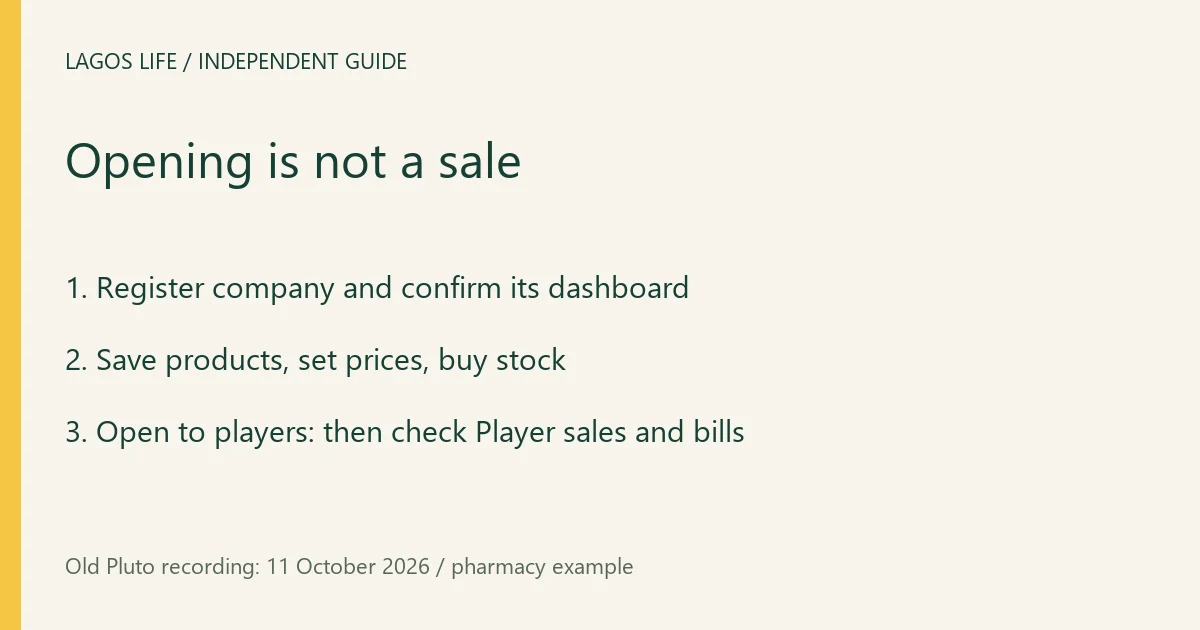
The documented player-shop route is Phone → Company → register a company → prepare its shelf → stock it → Open. An 11 October recording follows a pharmacy from registration to Open to players. Opening makes the shop available; it does not guarantee customers or profit.
Check the registration quote
The company screen lets the recorder enter a business name, choose a business type, logo, colour and headquarters location. In the pharmacy example, the registration quote is ₦9,050,000, split into ₦9,000,000 setup and a ₦50,000 CAC fee. These are historical in-game amounts for that selection, not a price list for every business or real-world company registration.
Review your selected type, location, total and available Game Naira before registering. If your displayed quote differs, use the current quote. Do not budget from a copied income-per-hour table: this recording does not establish universal returns or all business types.
Prepare and open the shop
- Register the selected company after checking its quote. Confirm that its own dashboard now shows the chosen business name and location. The recording reaches a newly registered pharmacy dashboard at 2:55.
- Open Player shop, add the products you want to offer, set their selling prices and use Save shelf. The editor shows both product costs and the margin associated with its price; that displayed margin is not net company profit.
- Buy stock for the shelf. The recorded shop offers Till and Wallet as stock-funding choices. Check which balance you are spending and the stock cost before using a restock control.
- Select Open once products have stock. Check for Open to players and non-zero shelf quantities. At 6:20, the example pharmacy shows that state; the reverse control is now Close.
The source moves from a closed shelf to a stocked, open shop. Its quantities and product slots belong to that example. They do not establish the capacity of every company or prove a completed customer sale.
Check sales, costs and the right balance
The product editor has a Player sales area; early in the example it says None yet. Use that record to distinguish customer purchases from registration, your own restocking and money already held elsewhere. Opening a shop is not a sale receipt.
The later company view contains pricing choices, marketing controls and a Bills section describing recurring charges and tax. Read those current charges alongside stock costs before spending more or opening branches. The source does not establish a measured net-profit period, guaranteed demand or a reliable break-even time, so none is quoted here.
The recorder already has other companies and a large treasury. The balance visible after the pharmacy registration is therefore not evidence that the new pharmacy earned it. Likewise, a company Cash out label concerns its in-game funds: it does not override the Terms’ ban on redeeming Game Naira for real money. See the cash-out distinction.
For Invest-menu holdings or rental property, use investment and settlement checks. For comparing a shop with work and gigs, use net earning cycles.
Sources and scope
Prepared from public source material and the screens identified below. This guide does not claim an in-game playtest.
- Old Pluto — creating and opening a company shopUploaded 11 October 2026; registration quote at 2:40, new company dashboard at 2:55, product editor at 4:00, stock at 4:25 and Open to players at 6:20 viewed. Existing treasury is not new-company income; formal build unknown.
- Lagos Life — Terms of UseEffective 1 October 2026; wording checked 16 October 2026.
- Lagos Life — Game, Brand & Real-World Content DisclaimerEffective 1 October 2026; wording checked 16 October 2026.
Browse all available guides · Return to the Lagos Life overview