
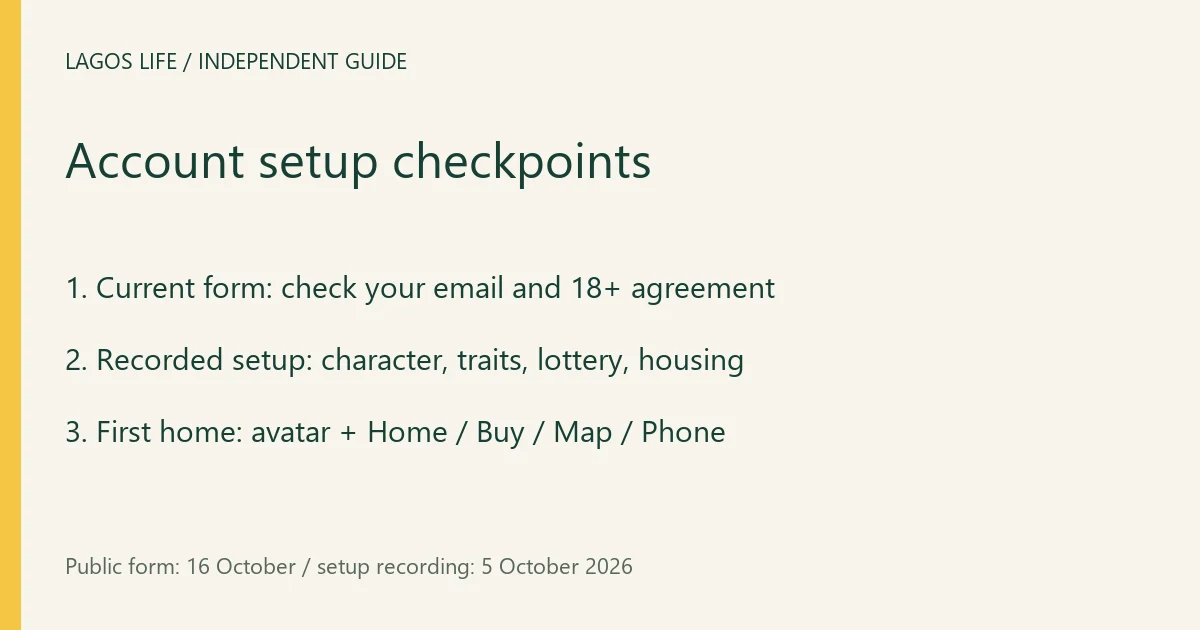
Start a Lagos Life account on lagoslife.app by choosing Sign up free. The current public form asks for your name, username, password, email and date of birth, followed by an 18+ agreement. Check your email carefully: the form says it cannot be changed later.
Account details
The form checked on 16 October 2026 contains these fields. An older tutorial that treats email as optional does not establish the current form’s requirements.
| Field | What the official form tells you |
|---|---|
| Your name | The name field is separate from your username. |
| Username | This is your Sim’s name in Lagos Life. |
| Password | At least eight characters. |
| Used for password resets and can also be used to log in; cannot be changed later. | |
| Date of birth | Separate day, month and year selectors. |
| Agreement | Confirm that you are 18+ and agree to the Terms, Privacy Policy and Disclaimer. |
Enter accurate details, review the email and birth date, read the linked policies, then use Sign up · it’s free if you accept them. Being able to choose a birth year in the control does not override the 18+ eligibility rule.
What registration does—and does not—buy
The signup button is labelled free. The Terms separately allow optional digital purchases, including Game Naira. Registration does not entitle you to withdraw the game’s balance as cash; see what Game Naira means.
Your username, profile and permitted social activity may be visible to other players. Keep your password private. The Terms prohibit account farming, selling or sharing accounts without permission; creating accounts to chase a preferred starting result is not a supported recommendation.
After submitting: character setup and first entry
In MoneyPro-Tips’ 5 October recording, the accepted account proceeds into character creation: Look, Personality with a Choose 2 traits prompt, a dream choice, the Birth lottery, then housing and the first home. The viewed frames show appearance choices at 1:35, traits at 2:25, a LAPO Baby! lottery result at 3:45 and a playable home at 5:30.
Follow the prompts shown to your account, review the housing choice before moving in, and look for your avatar in the home scene with Home / Buy / Map / Phone controls. That is the recording’s first playable state; merely pressing the signup button is not confirmation that setup has finished. A particular lottery result, initial balance or housing offer is not promised to every new player.
The public form above was checked on 16 October without creating an account. The older recording documents the later setup and its result, but its email wording is outdated. Use the current form for eligibility and required fields; follow any additional verification or setup prompt the service now supplies. No verification-email delivery or new-account login was tested by this guide.
If you already have an account, stop here and use Log in. If registration fails or you cannot access an existing account, Log in → Can’t get in? opens the official help screen. It offers a ticket-based route without needing an X account; the recovery guide explains it.
Sources and scope
Prepared from public source material and the screens identified below. This guide does not claim an in-game playtest.
- Lagos Life — Sign up formPublic registration fields checked 16 October 2026; no account submitted.
- MoneyPro-Tips — account creation recordingUploaded 5 October 2026; character setup at 1:35, traits at 2:25, birth result at 3:45 and playable home at 5:30 viewed. Older form differs from the current public form; formal build unknown.
- Lagos Life — Terms of UseEffective 1 October 2026; wording checked 16 October 2026.
- Lagos Life — Can't get in? help screenHelp and ticket controls inspected 16 October 2026; no ticket submitted.
Browse all available guides · Return to the Lagos Life overview